 EarAlarm
Wake up without waking
the person next to you.
An iPhone app that plays your alarm through earphones only. In a capsule hotel, on a train, or on a morning when your family is asleep next to you, you can get up without letting any sound out.
Coming soon to the App Store iPhone (iOS 26 or later) · Free to use You choose whether the iPhone itself rings if your earphones come out.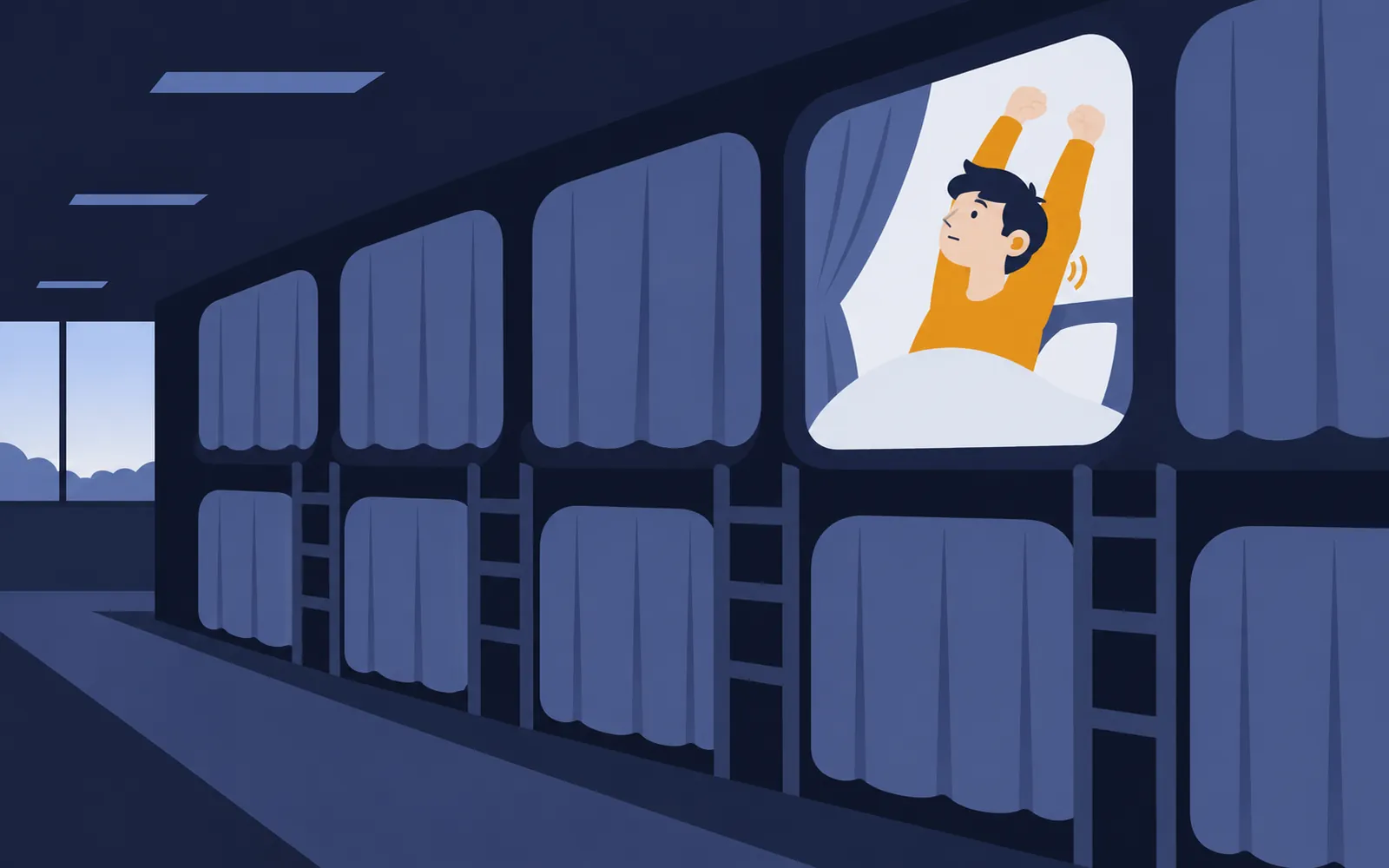
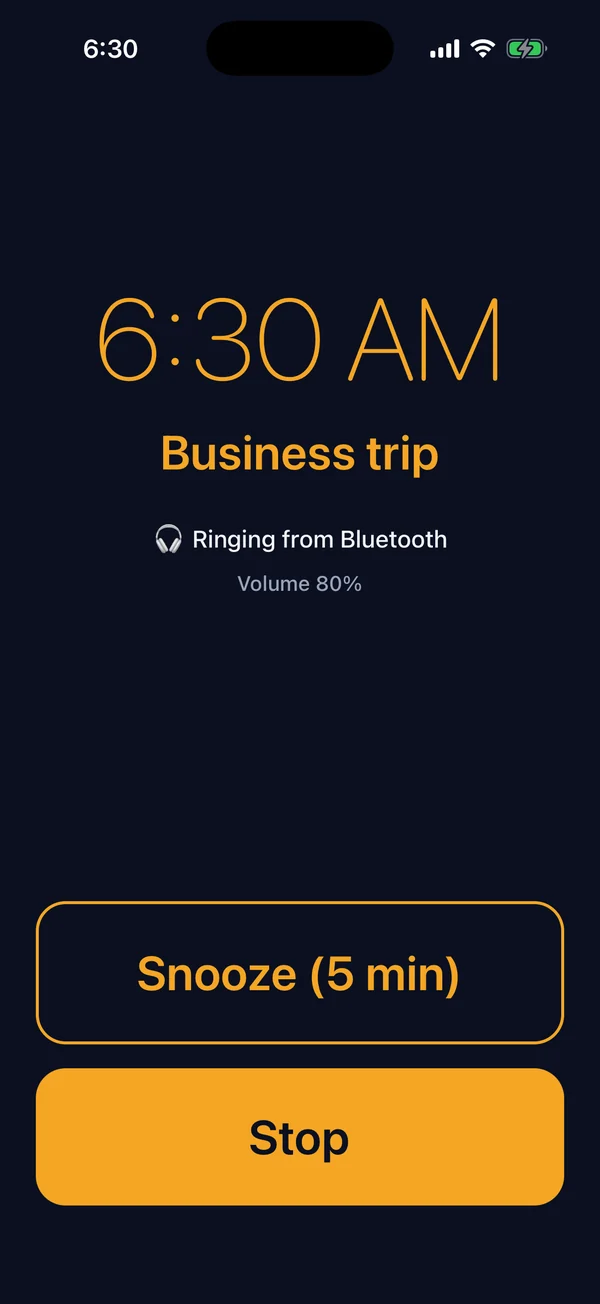
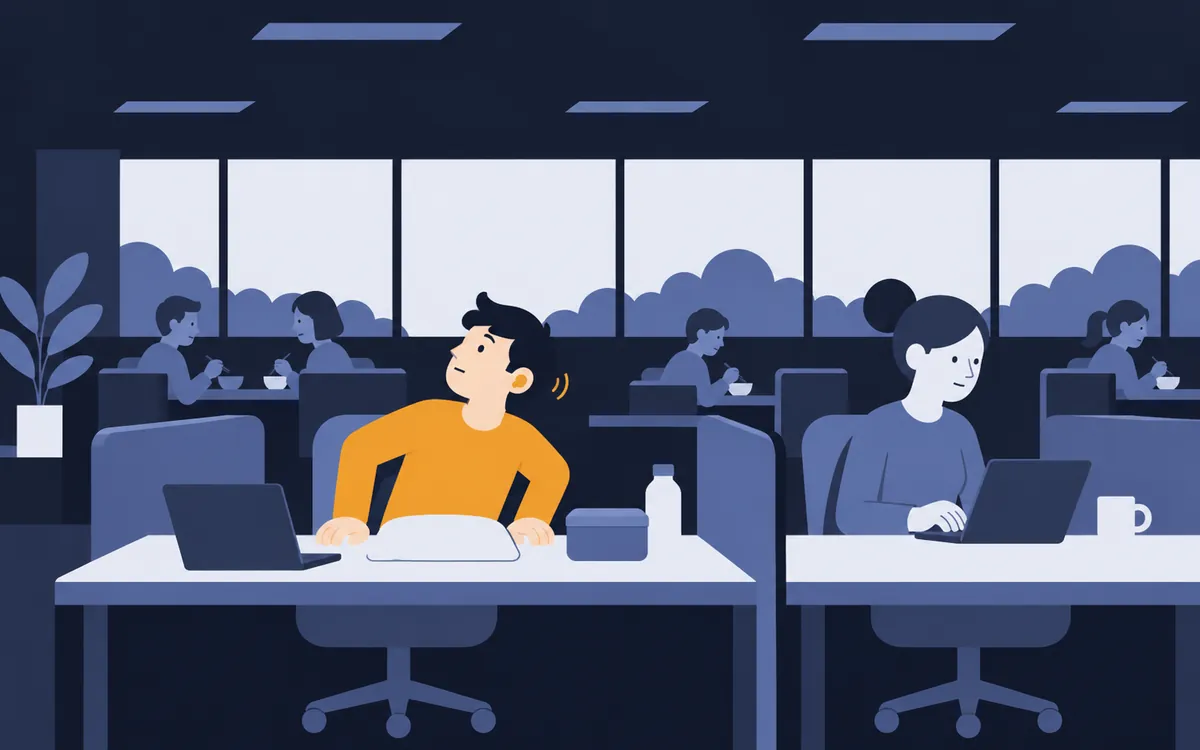
6:30 a.m. The alarm rings for one person only.
Just three steps
Connect your earphones
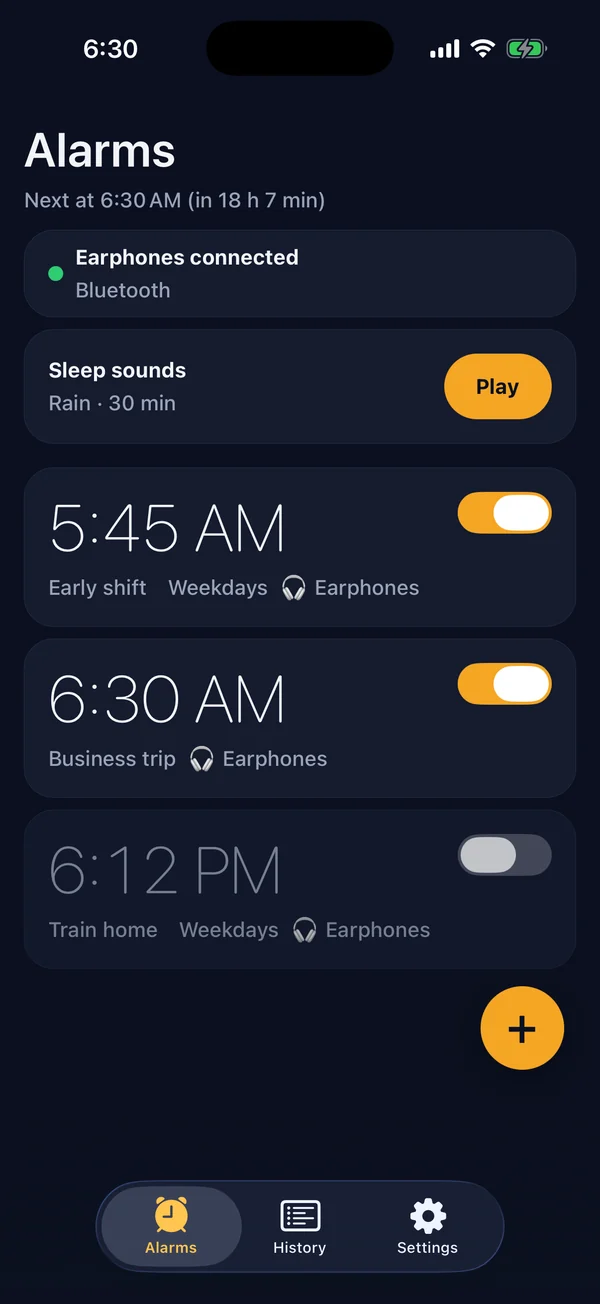
Connect your usual earphones or headphones to your iPhone. The top of the app shows whether they're connected.
Set the time
It works like the iPhone's built-in Clock app. You can set weekly repeats and multiple alarms.
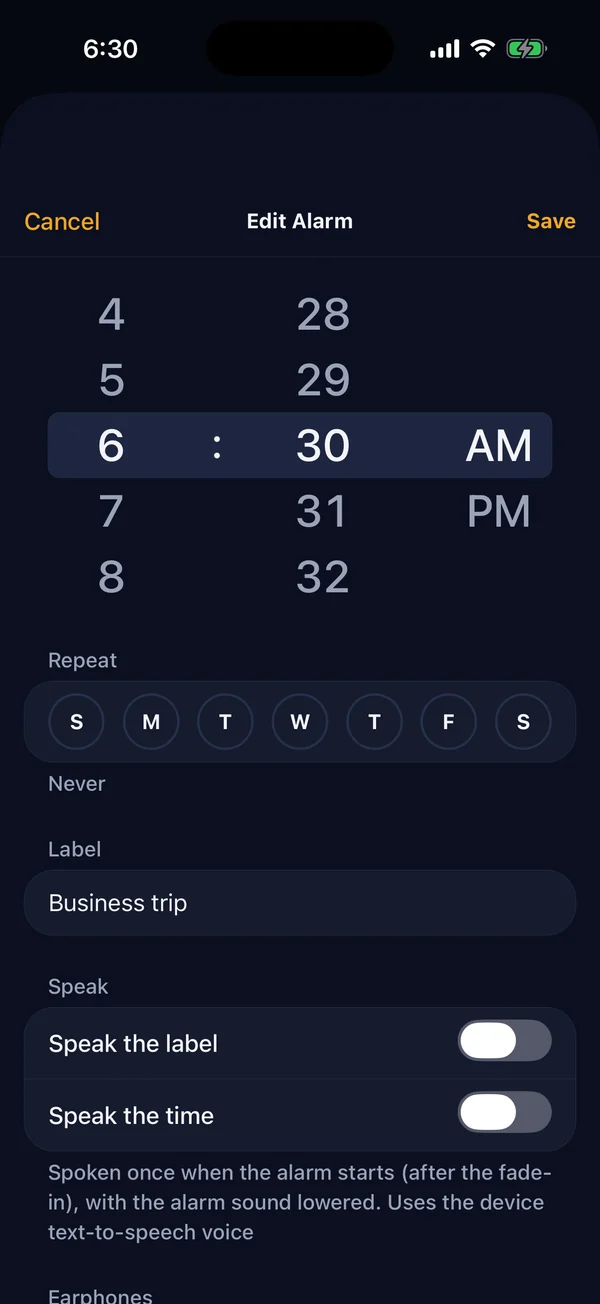
Fall asleep with them in
You can close the app. At the set time, the alarm plays inside your earphones.
When it helps
The iPhone's built-in alarm plays from the phone itself, even if you're wearing earphones. That's a problem when other people are nearby.
-
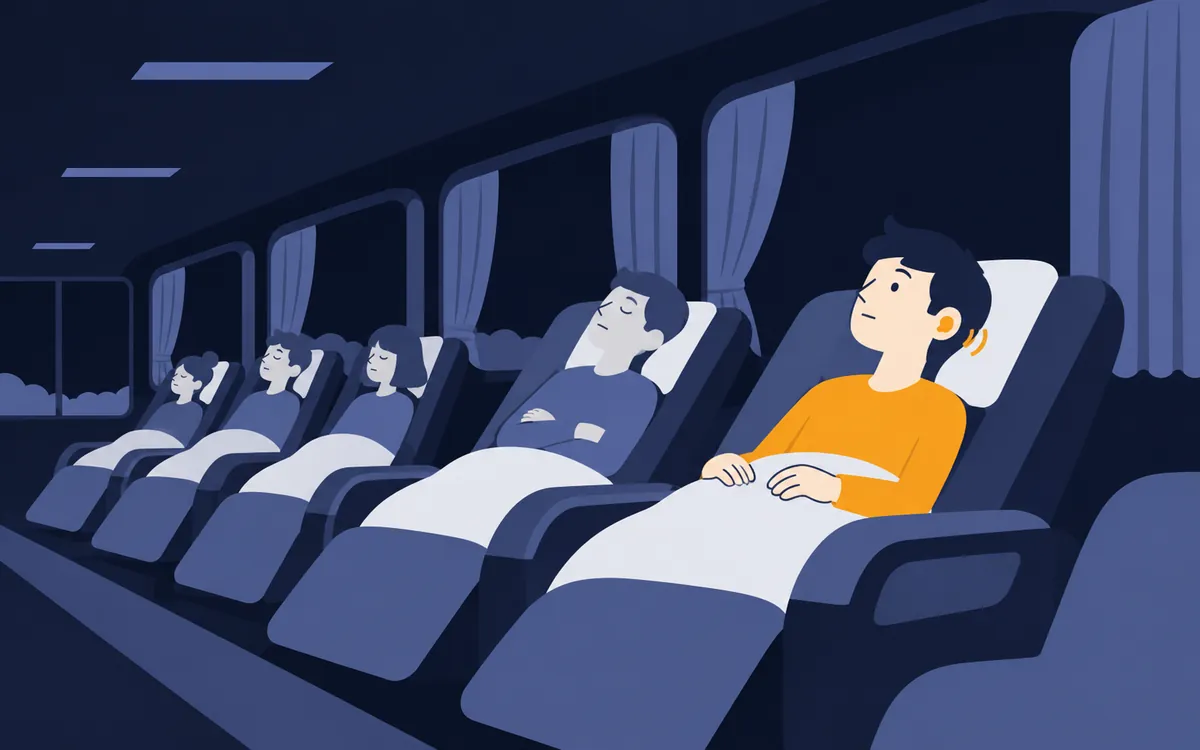
Business trips
Capsule hotels, hostel dorms, overnight buses
There's only a wall or a curtain between you and the next sleeper. Play the alarm inside your earphones and the room stays quiet.
-
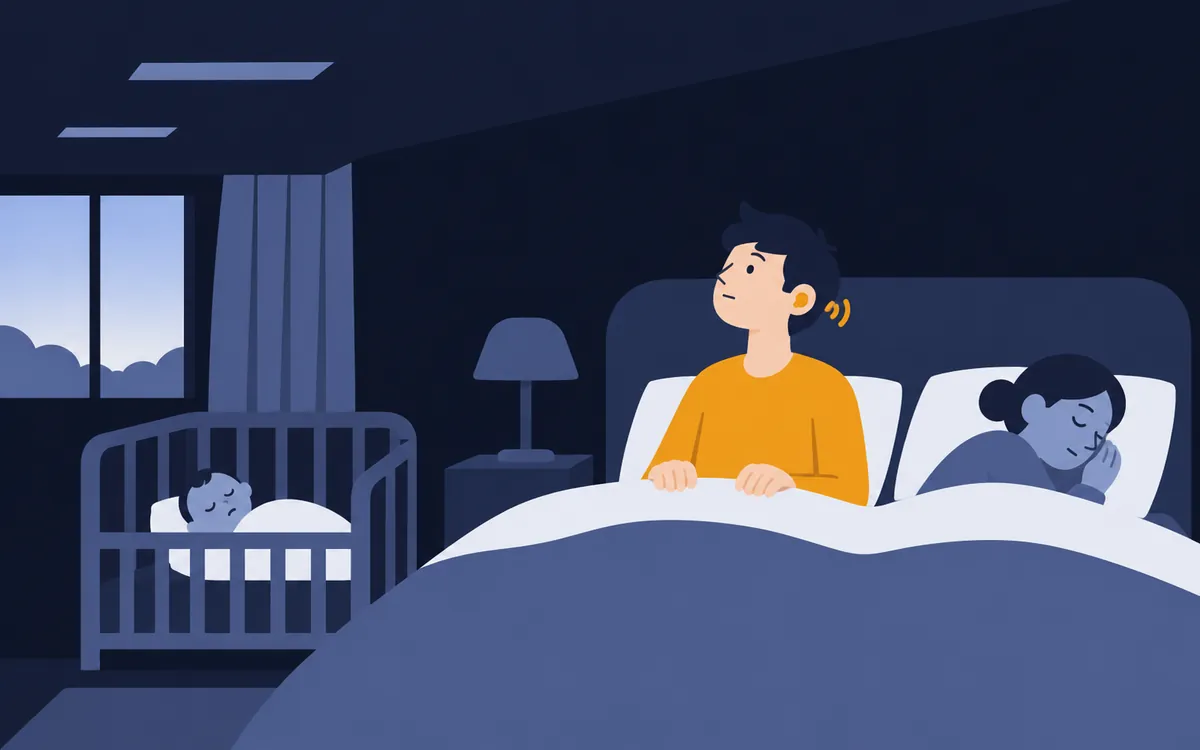
Weekday mornings
Get up before your family or partner
Early shifts, morning practice, first trains. Get out of bed without waking the person beside you or a baby who just fell asleep. Weekly repeats are supported.
-
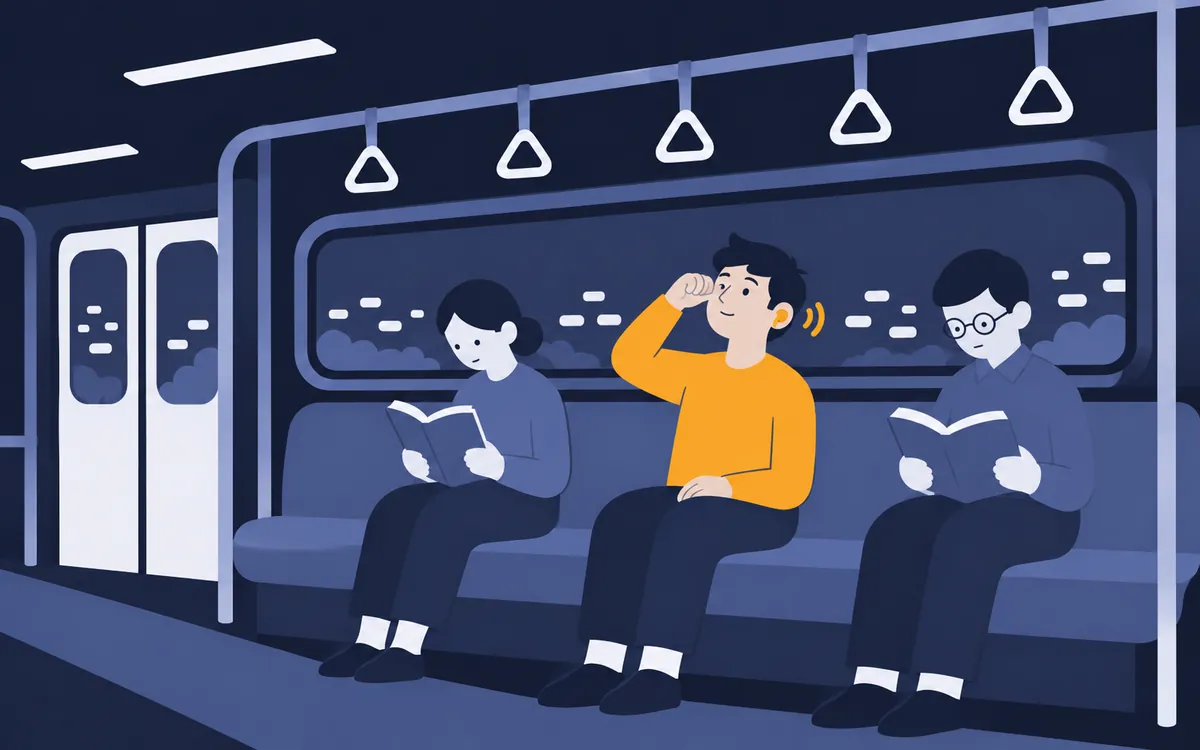
Ride home
Naps on trains and buses
Set the alarm for a little before your stop and you won't sleep through it. Even if you fall asleep to music, the alarm cuts in at the set time.
-
Lunch break
Naps at work, in the library, or in a study room
For a 15-minute nap at your desk, without the alarm ringing out in a quiet room.
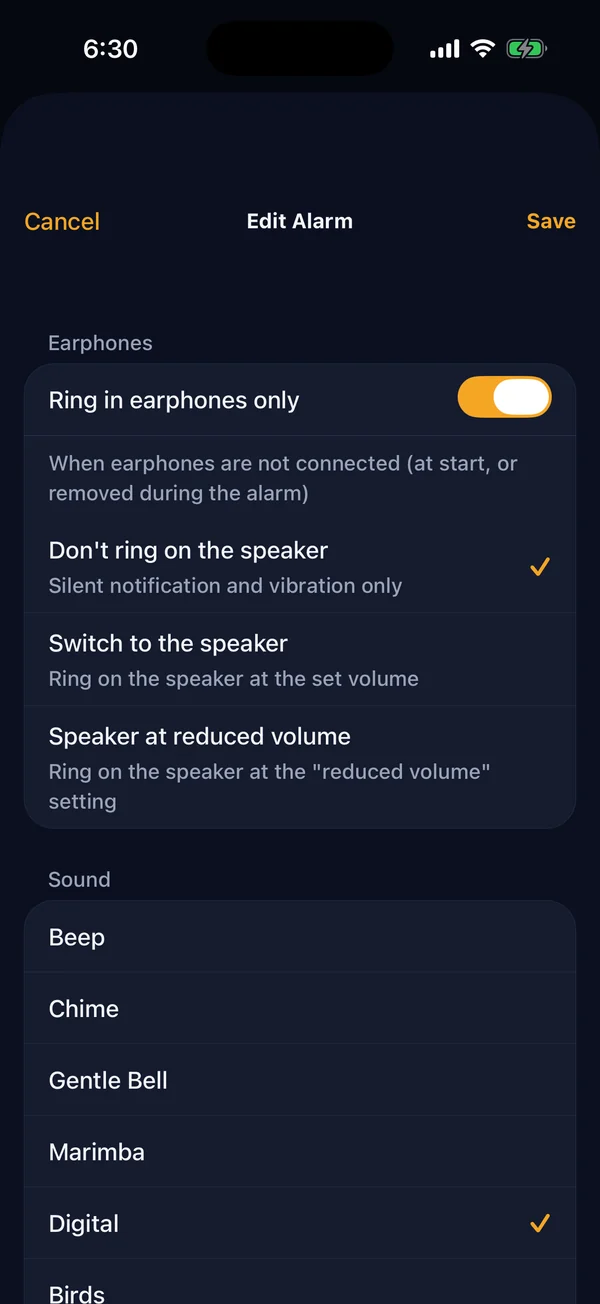
If your earphones come out, don't panic
Earphones can fall out while you sleep. You can decide what happens, separately for each alarm.
Stay silent
The iPhone never plays sound on its own, no matter what. For places where alarms aren't allowed.
Play quietly from the iPhone
For when you want to be considerate but still avoid oversleeping. You can choose the volume.
Play from the iPhone as usual
At home, you can put waking up for sure ahead of everything else, even if the earphones come out.
A note on how it works: the app keeps running in the background to play sound through your earphones. If you swipe the app away or restart your iPhone, it can't play through your earphones. In that case it sends a notification, and at the set time the iPhone itself rings to wake you.
What changes with Pro: these 5 things
Pro is a one-time purchase, and you keep it for good. There's also a 7-day free trial.
| Free | Pro | |
|---|---|---|
| Ads | Yes | None |
| Number of alarms | Up to 3 | Unlimited |
| Spoken announcement when the alarm starts | None | Speaks the label and time |
| Sleep sounds | 2 sounds (rain, waves) | 5 sounds, playing until your next alarm |
| Alarm history | 30 days | 90 days |
Everything else is free
- Play the alarm through earphones only
- Choose from 3 behaviors for when earphones are disconnected
- 11 alarm sounds
- Use your own audio files as alarm sounds
- Weekly repeats
- Snooze
- Gradually increasing volume
- A backup that rings from the iPhone itself if the alarm can't play
A full-screen ad appears at most once a day, only after you stop an alarm in the morning. It never appears while you're setting up before bed or while an alarm is ringing.
The 7-day trial includes every Pro feature. When it ends, the app goes back to Free automatically, and you won't be charged without asking. There are no monthly or yearly fees; it's a single purchase. After you switch phones, use "Restore Purchases" to carry it over.
FAQ
What earphones does it work with?
Bluetooth earphones and headphones, and wired earphones.
Does it ring in silent mode or Do Not Disturb?
Alarms to your earphones play even when the silent switch or a Focus mode is on.
Can I use a song from Apple Music as an alarm sound?
No. Apple Music (subscription) songs are protected, so no app can use them as alarm sounds. You can add your own MP3, M4A, WAV, and similar files.
Is it OK to fall asleep while listening to music?
Yes. At the set time, the alarm cuts in over whatever you're listening to.
Is there anything I should do before bed?
Don't swipe the app away. Locking the screen or going to the Home Screen is fine. Also keep an eye on your earphones' battery level.